Disconnect before cleaning
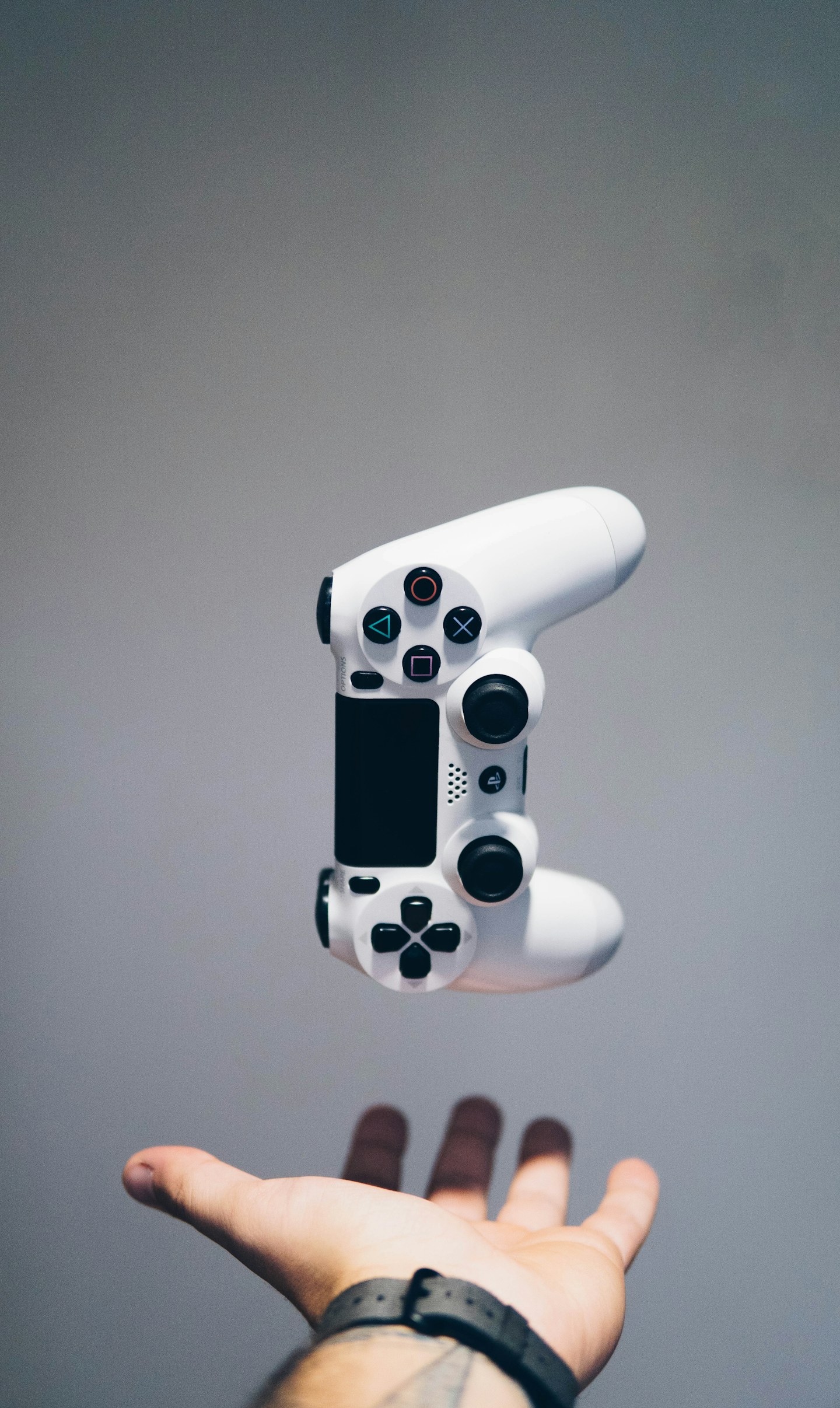
Turn off the controller and disconnect charging or data cables. Follow the approved cleaning method for the shell and buttons. Do not spray directly into gaps or use a sharp object to dig around sticks and triggers.
Separate dirt from calibration
If a stick drifts or a button behaves oddly, check supported calibration and firmware guidance. Test the controller in another supported game or menu before blaming one title. Cleaning the exterior cannot repair every worn sensor or mechanical component.
Store without pressure
Put the controller where sticks and triggers are not held down by other objects. Keep cables loosely arranged and use the intended charger or power source. Stop using a damaged or swollen battery and seek support rather than trying to flatten or puncture it.