Check both ends
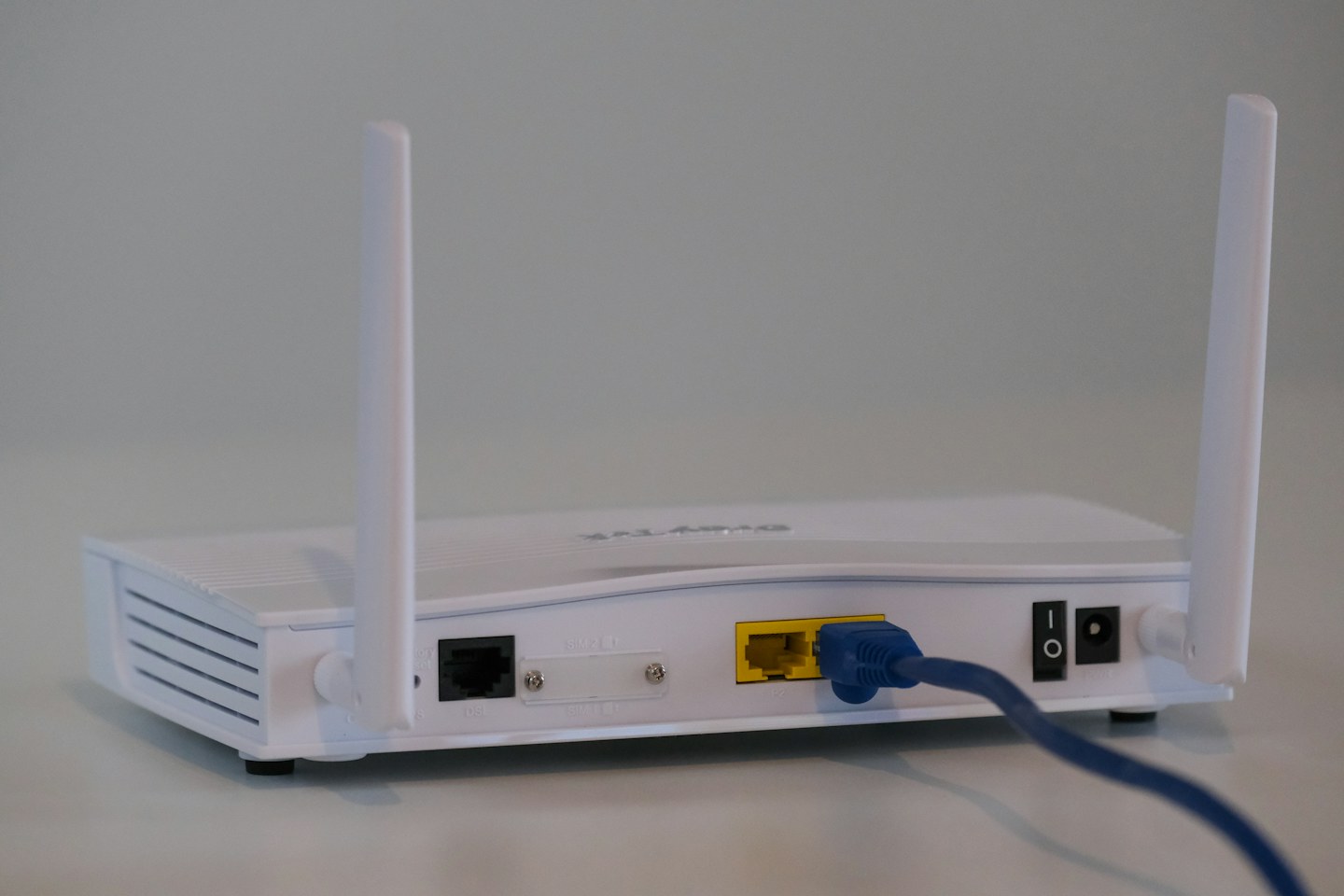
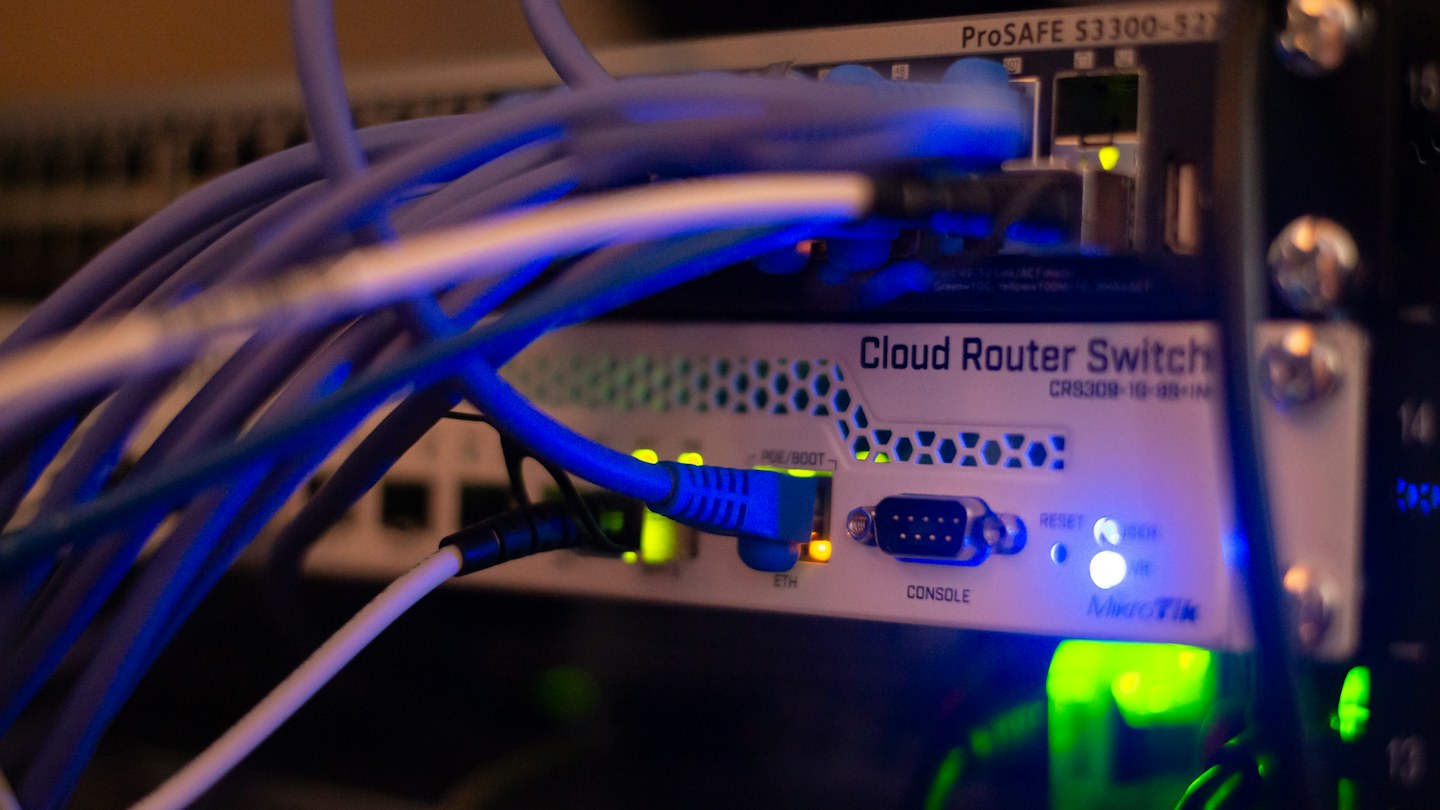
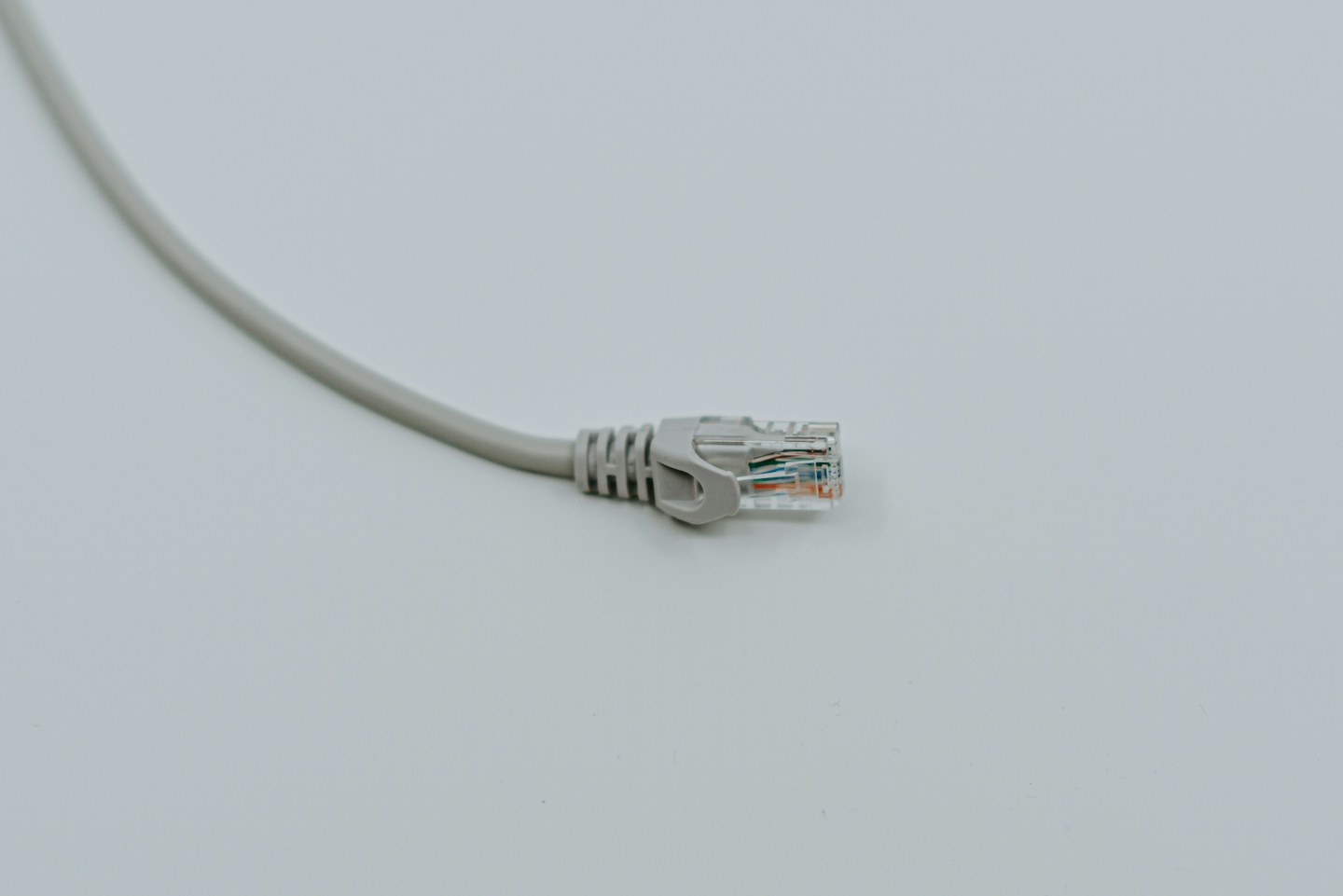
Look up the network speed supported by the router or switch and the receiving device. Choose a compliant cable suitable for that connection and the required length. If the laptop needs an adapter, include its Ethernet capability in the check.
Measure the path, not the gap
Follow the real route around furniture and leave enough slack to move a device for cleaning. Avoid stretching across a doorway or crushing the cable under furniture. A flat cable may be convenient in one location, but its construction and intended use still matter.
Test before hiding it
Connect the cable openly and confirm the link negotiates as expected. Transfer a local file if appropriate; an internet test also includes the provider connection and is not a cable-only test. Permanent in-wall installations need suitable rated cable and appropriate installation practices.