Check the available ports
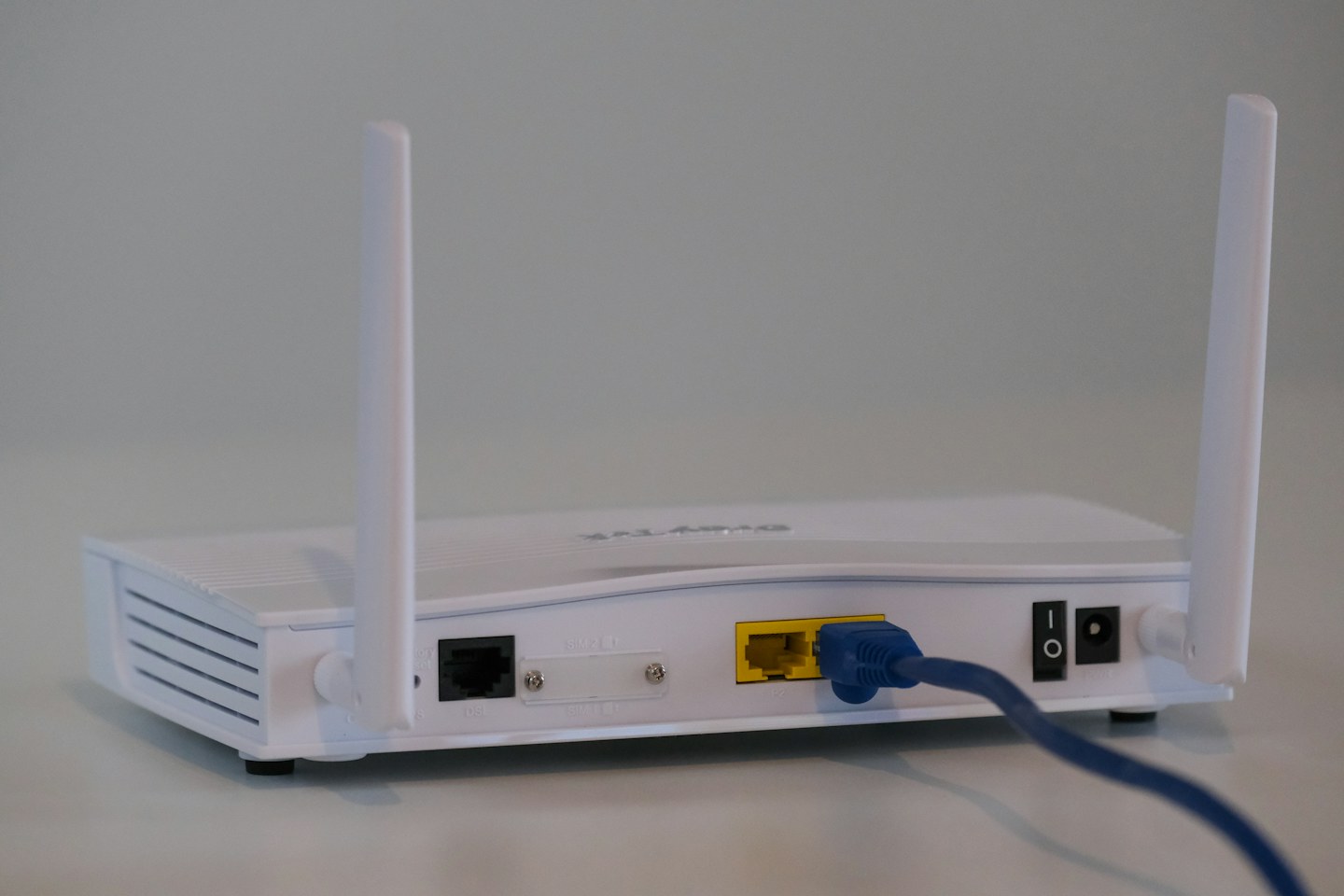
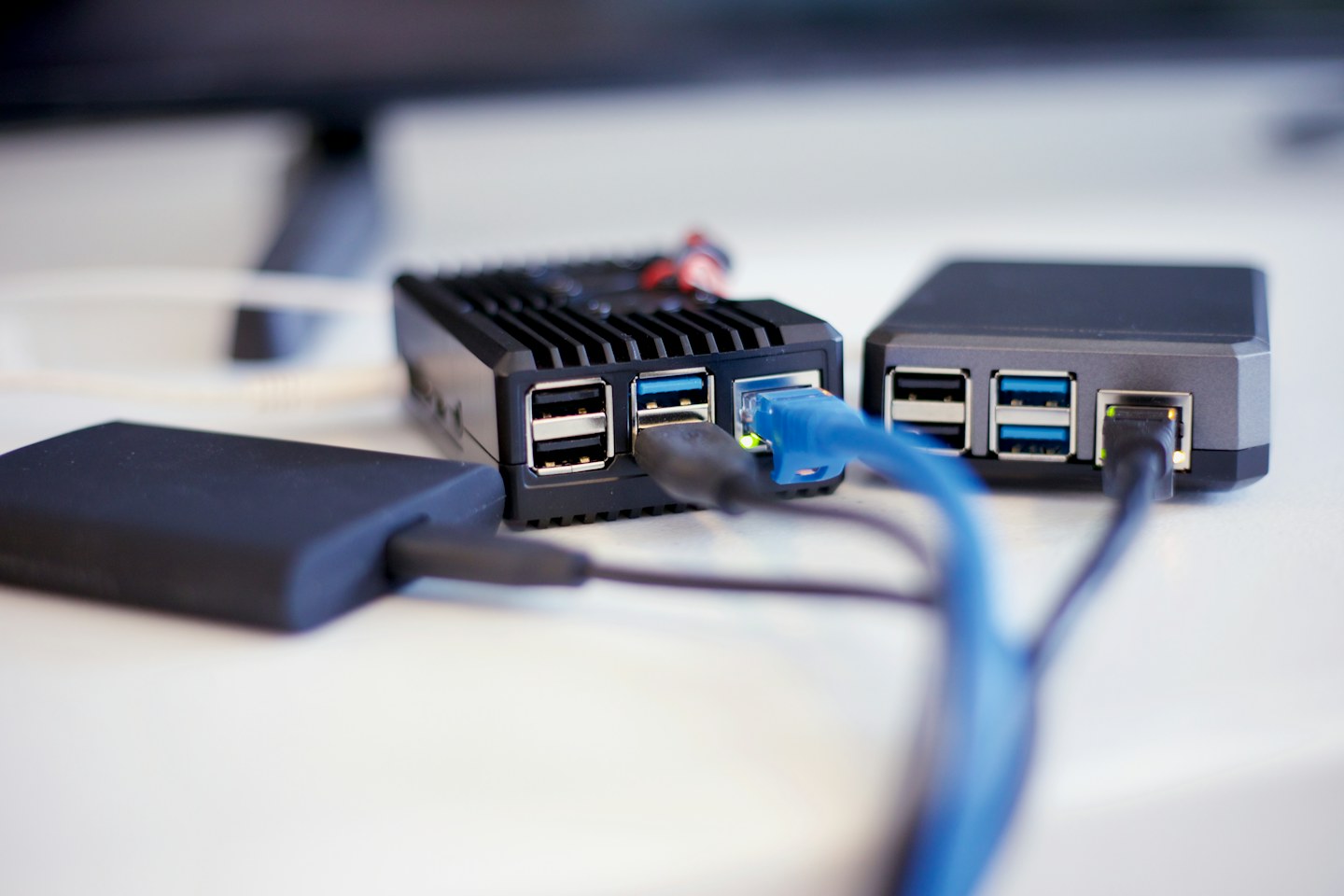
Identify the desktop’s network socket and an available router or switch port. If an adapter is necessary, verify support for your operating system and intended speed. A USB connector shape does not tell you the performance of the network adapter attached to it.
Plan a low-risk route
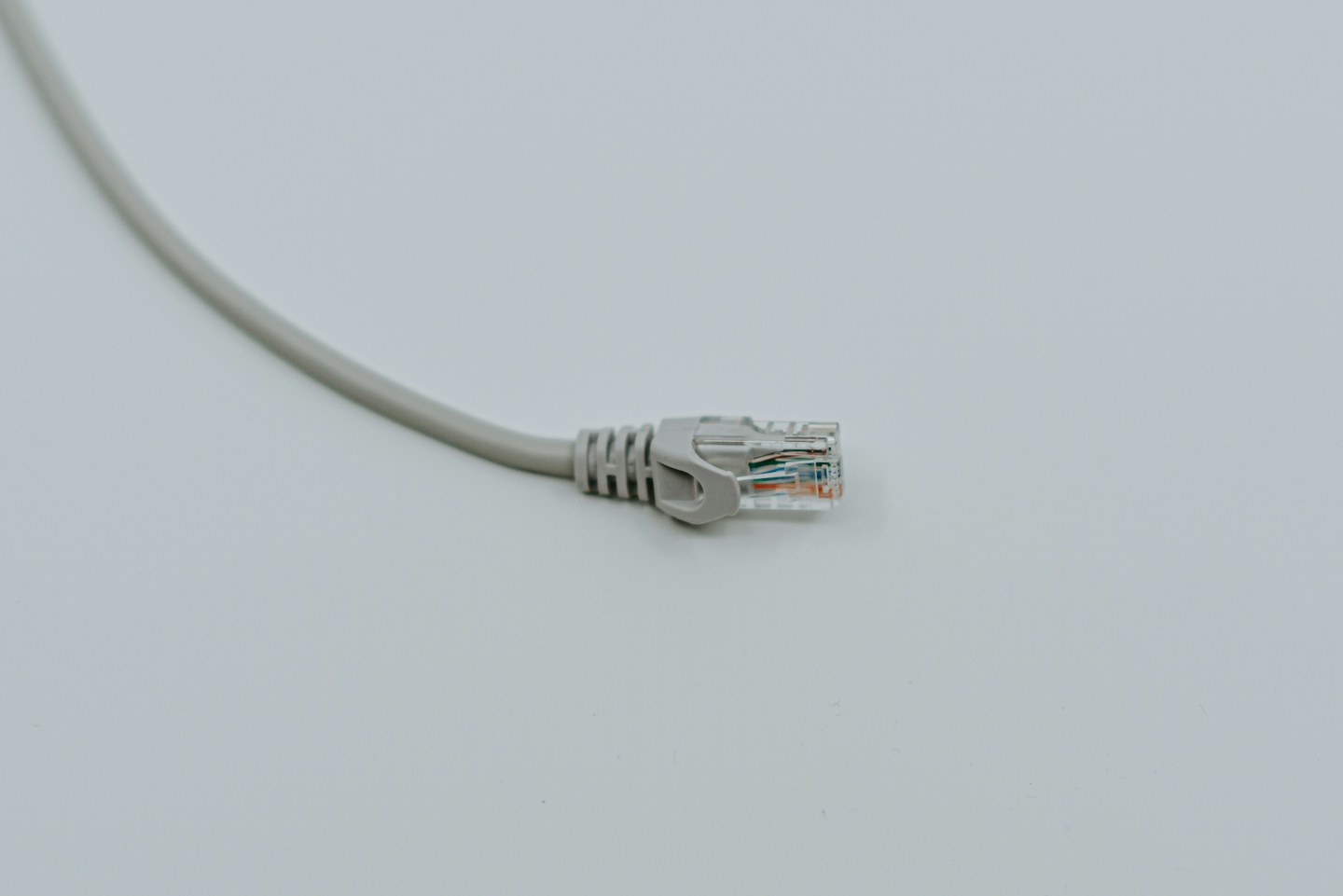
Run the lead around the room rather than across a walkway. Leave enough slack to move the computer without pulling the socket. Do not close a door on the cable or conceal damage with a cable cover.
Confirm the active link
After connecting, check the operating system’s network status. If both Wi-Fi and Ethernet remain enabled, identify which route your test uses. Compare a normal work task before and after, and remember that a wired link cannot overcome a slow internet service or a congested remote server.