Read the isolation options
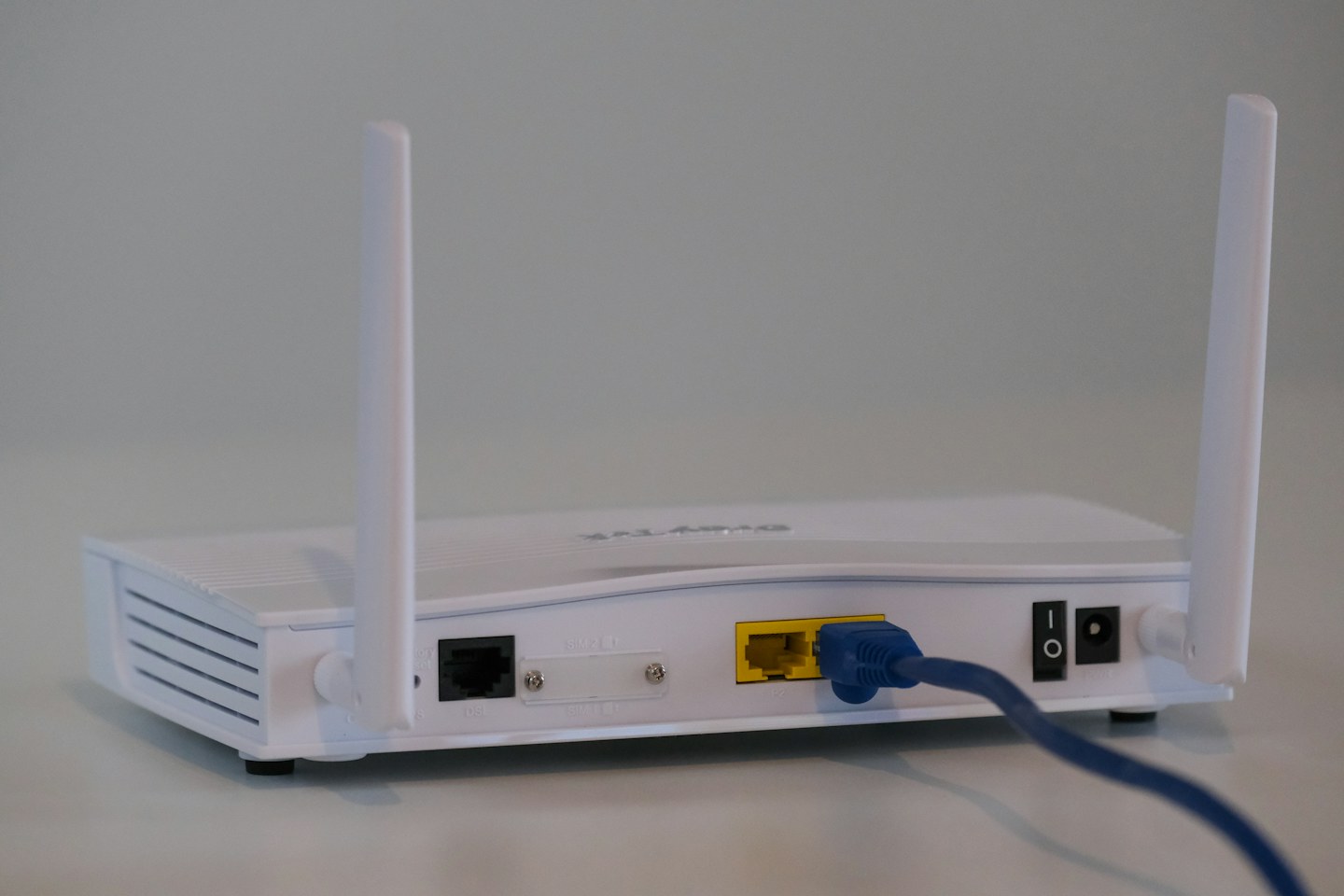
Look for settings controlling access to local devices and communication between guests. Follow the router’s current manual. If visitors need a printer or casting device, decide whether that access is appropriate rather than switching off every restriction to make discovery work.
Use a distinct name and password
Choose a recognisable network name without publishing personal details. Use a strong password and share it only with intended visitors. Check whether a displayed QR code contains the credentials before leaving it visible in a public-facing area.
Review after visits
Turn off temporary access or change the guest password when it no longer needs to be shared. Keep router software supported and account access protected. Do not assume a separate Wi-Fi name alone creates complete security; verify the actual isolation behaviour with devices you own.