Disconnect and inspect
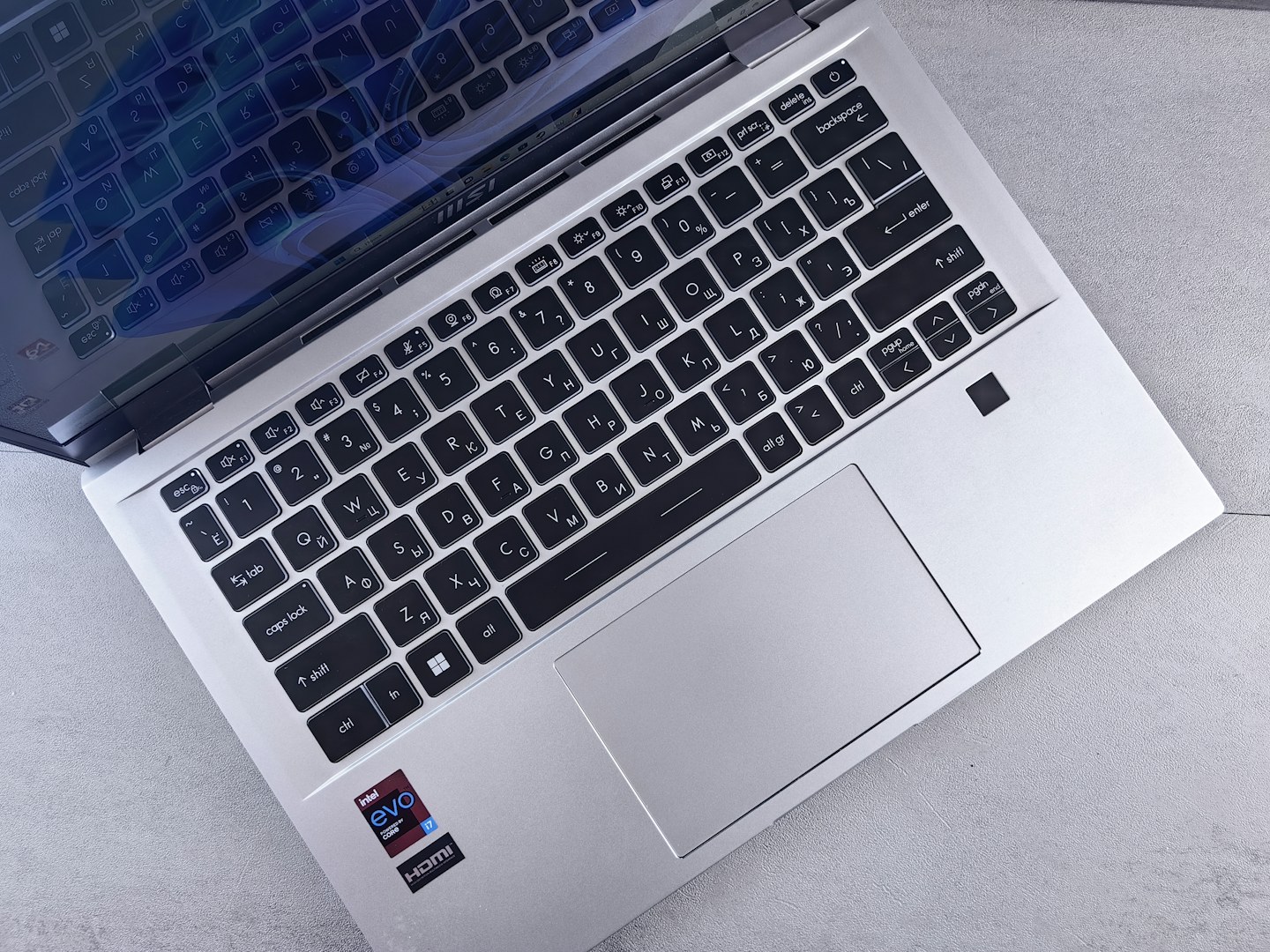
Unplug or switch off the keyboard, following the instructions for a built-in laptop keyboard. Check for loose debris and note any sticky keys. If liquid has entered the device, stop using it and follow the manufacturer’s spill guidance rather than continuing to press keys to test it.
Use the permitted tools
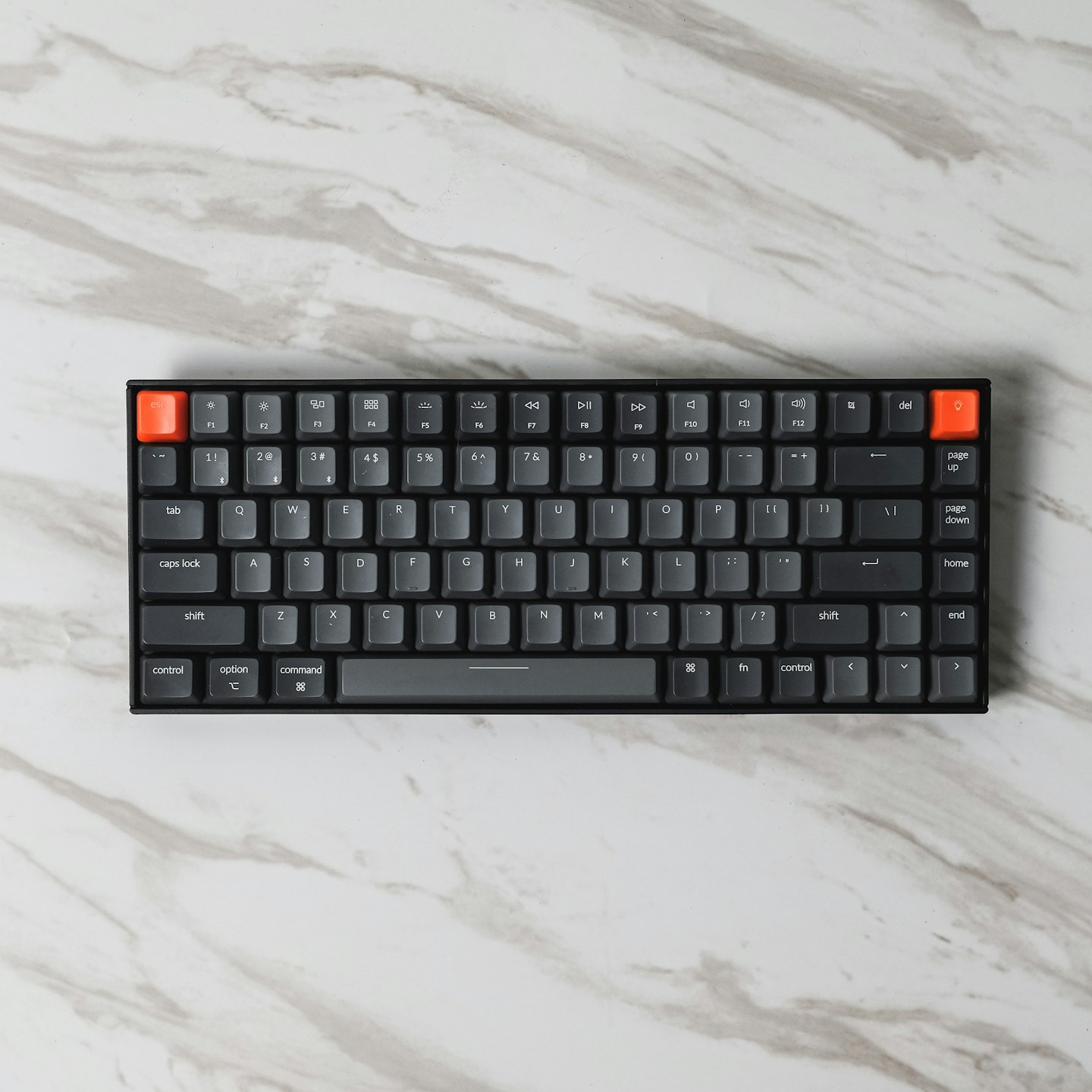
Choose a soft cloth and only the cleaning method allowed for the finish. Do not spray liquid onto the keyboard. Remove keycaps only if the model explicitly supports it and you understand the mechanism; laptop key assemblies can be especially delicate.
Keep food away from the next session
Let everything dry as instructed before reconnecting. Use a separate place for drinks and avoid eating directly above the keys. If a key still fails after safe external cleaning, seek model-specific support rather than increasing pressure or adding more liquid.