Clear a real movement area
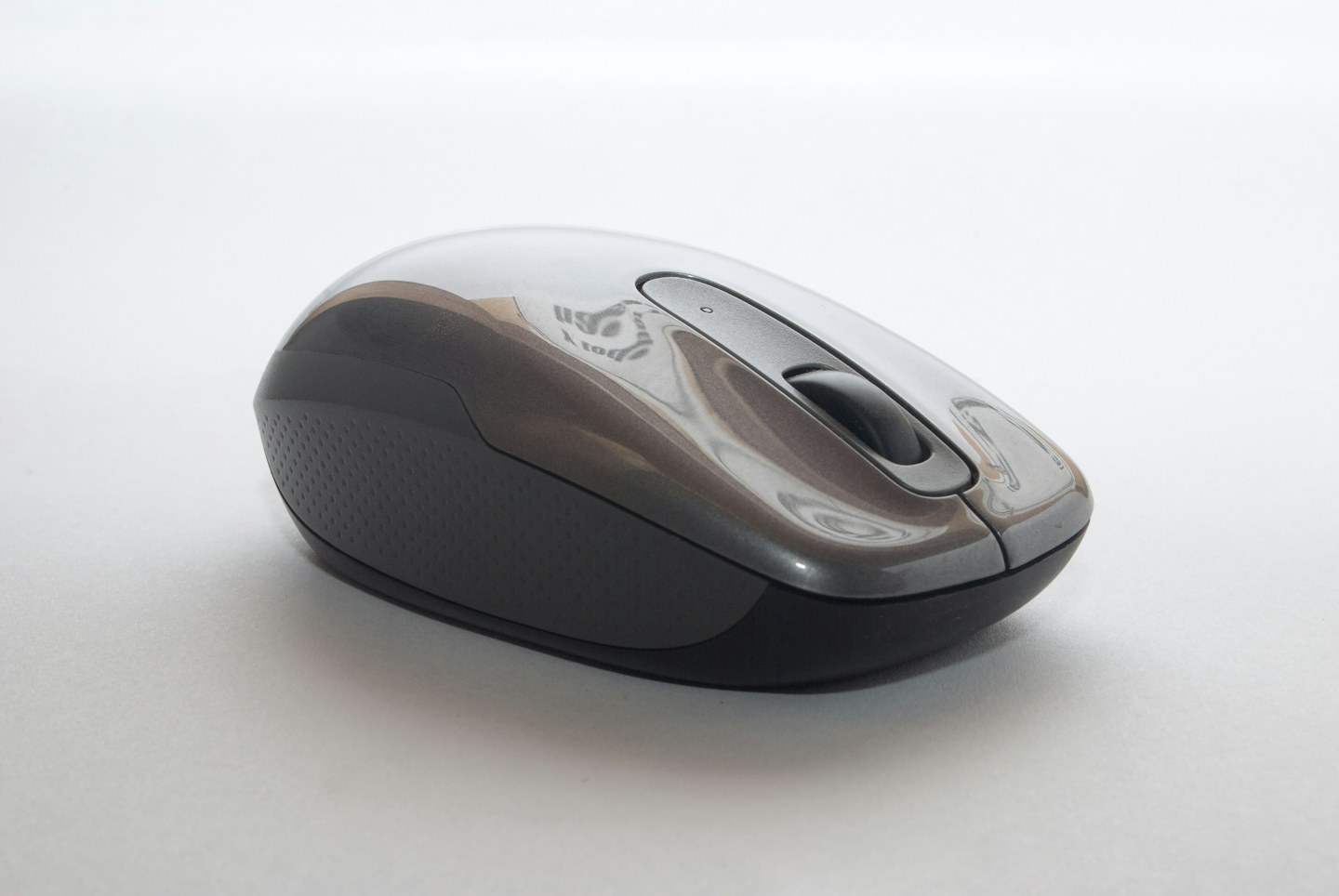
Move nearby objects and test the mouse on a suitable clean surface. Some sensors behave differently on reflective or transparent materials. Try a compatible mat before assuming tracking problems require a new device. Keep a wired lead free of catches at the desk edge.
Check the settings
Use the operating system’s supported pointer settings and make one change at a time. A very fast pointer may feel different from a tracking fault. Test ordinary tasks such as selecting text and reaching small buttons, not just moving the pointer across an empty screen.
Care for contact points
Follow the maker’s cleaning instructions for the shell, feet and sensor opening. Avoid sharp tools or flooding the device. Place the mouse where it can be used without continually reaching around the keyboard; persistent discomfort deserves a broader workstation review rather than a gadget-only solution.