Choose the working surface
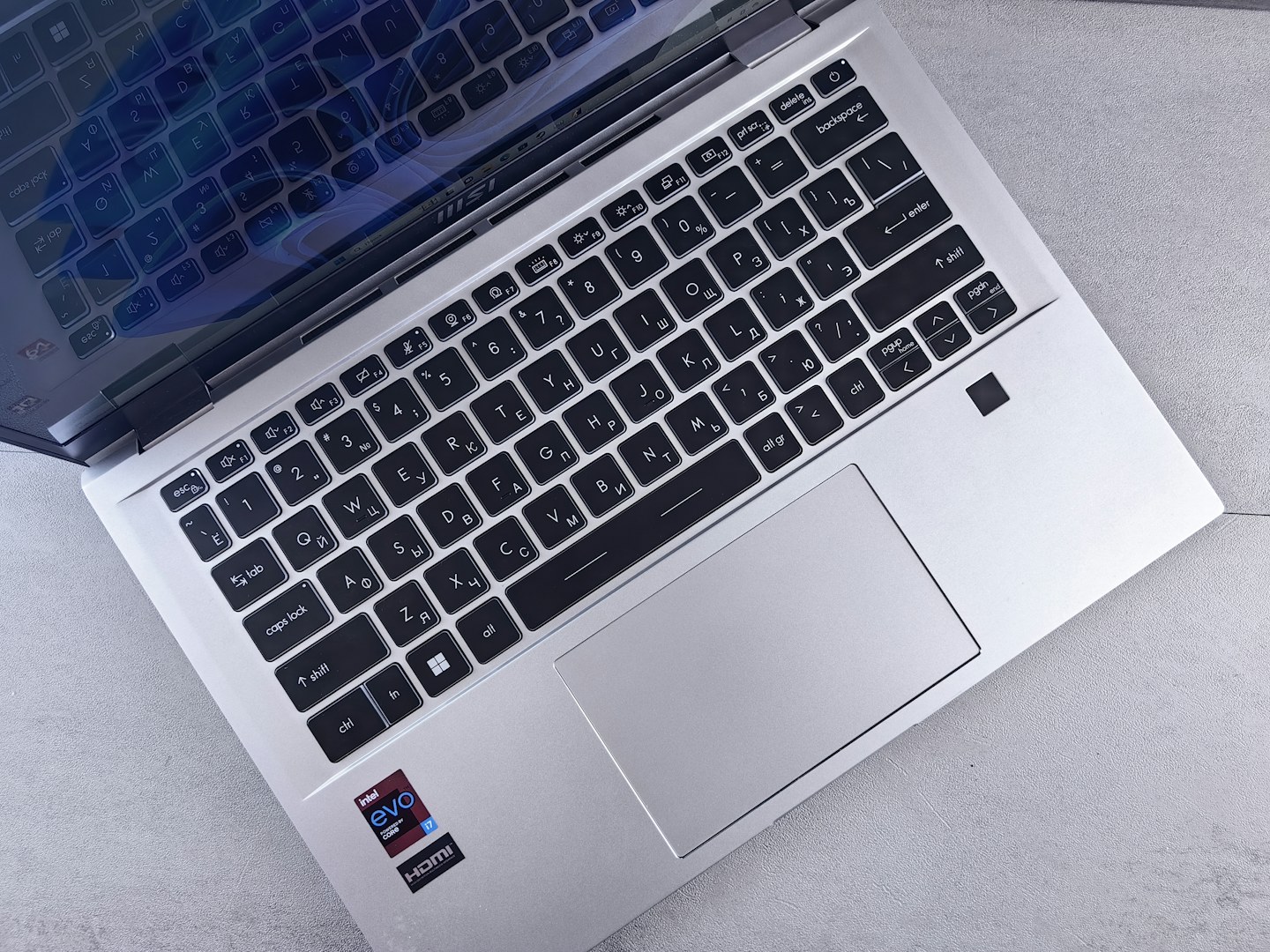
Use a stable surface that does not block the vents identified in the manual. Bedding and soft cushions can wrap around the case in ways a desk does not. If you use a stand, check that it supports the machine securely and leaves the relevant openings clear.
Separate load from a fault
Fans may become more noticeable during demanding work. Note whether the change happens only with a particular task or also when the computer is idle. Check supported system diagnostics and updates before assuming any louder fan means hardware failure.
Clean only what is accessible
Power down and follow the maker’s external cleaning instructions. Do not force objects into vents or dismantle the machine without appropriate guidance. Unexpected shutdowns, a swollen battery or burning smells need prompt attention; stop using unsafe equipment and seek qualified support.