Check the plan and device
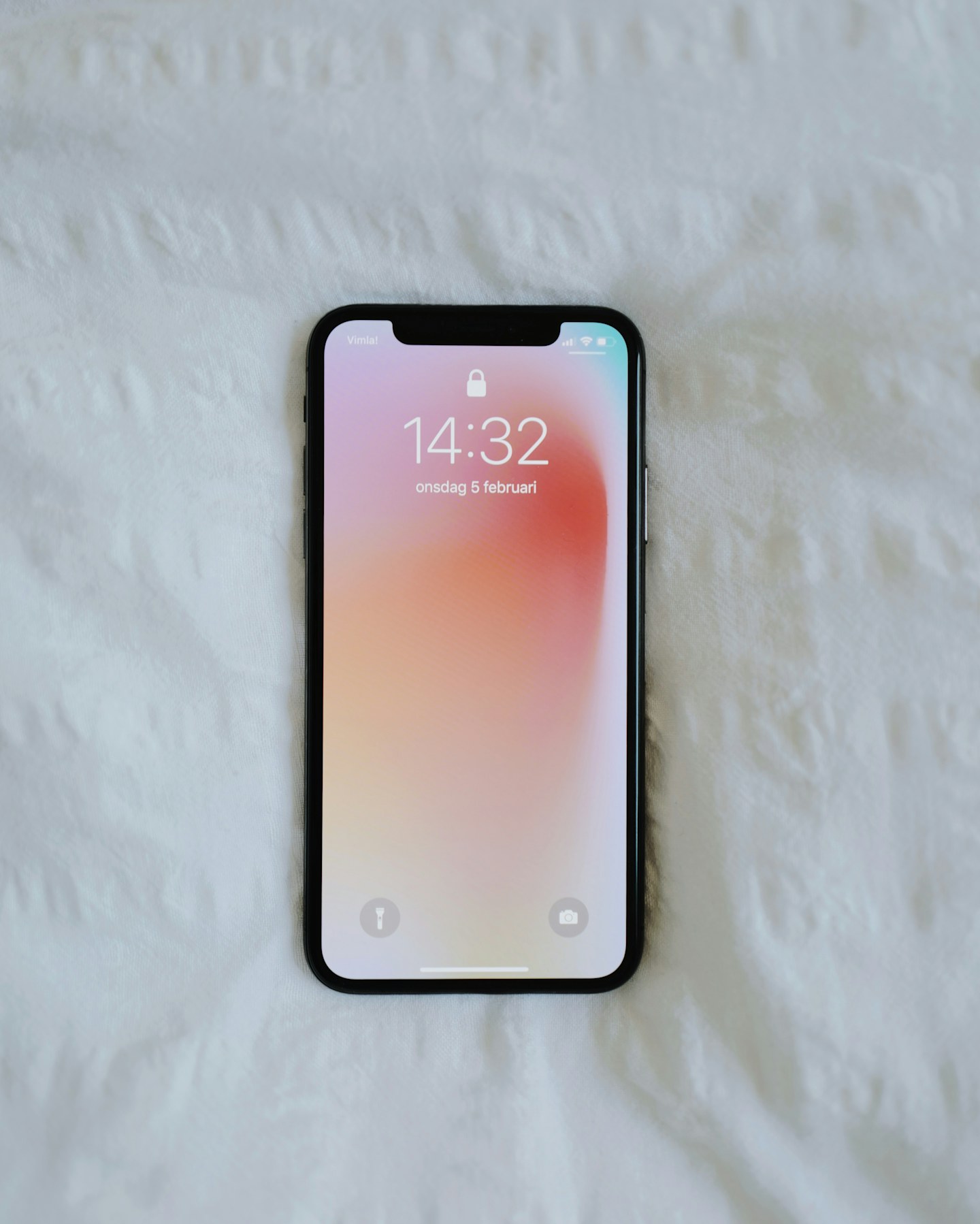
Confirm that tethering is included in your mobile plan and understand any usage limits. Turn on the phone’s supported hotspot feature and use a strong password. Connect only the equipment needed for the immediate task.
Control unexpected traffic
A laptop may start updates or cloud transfers as soon as it connects. Use appropriate metered-connection settings and pause optional large transfers. Watch data usage while testing rather than assuming a short work session always uses very little.
Keep the phone comfortable
Place the phone where reception is usable and ventilation is clear, following charging guidance. Do not leave it in direct sun to chase a signal. When finished, turn the hotspot off and confirm the laptop has returned to the intended home network.